Admin Sohail
Quick Answer
The best free AI tools for small business automation in 2026 include ChatGPT for content and customer support, Zapier for connecting apps without code, Notion AI for organizing tasks and notes, and Canva’s AI features for quick design work.
Most of these offer generous free tiers that cover core small business needs without requiring a paid upgrade right away.
Introduction: Why Small Businesses Need AI Automation Right Now
Running a small business means wearing too many hats at once, but don’t worry, World Blue Glow will give you the solutions. Marketing, customer service, scheduling, and content creation all compete for the same limited hours in a day.
I have spent the last year testing free AI tools across exactly these tasks, both for my own projects and for a few small business owners I consult with informally.
This guide covers what actually worked, what fell short, and which free tools are genuinely worth your time in 2026.
Which Free AI Tools Are Actually Worth Using in 2026?
Not every free AI tool delivers real value. Many look impressive in a demo but fail once you try to use them daily for actual business tasks.
The tools that made this list passed a simple test. I used each one for real work, not just a quick trial run, before deciding it earned a spot here.
Best AI Tools for Content and Marketing
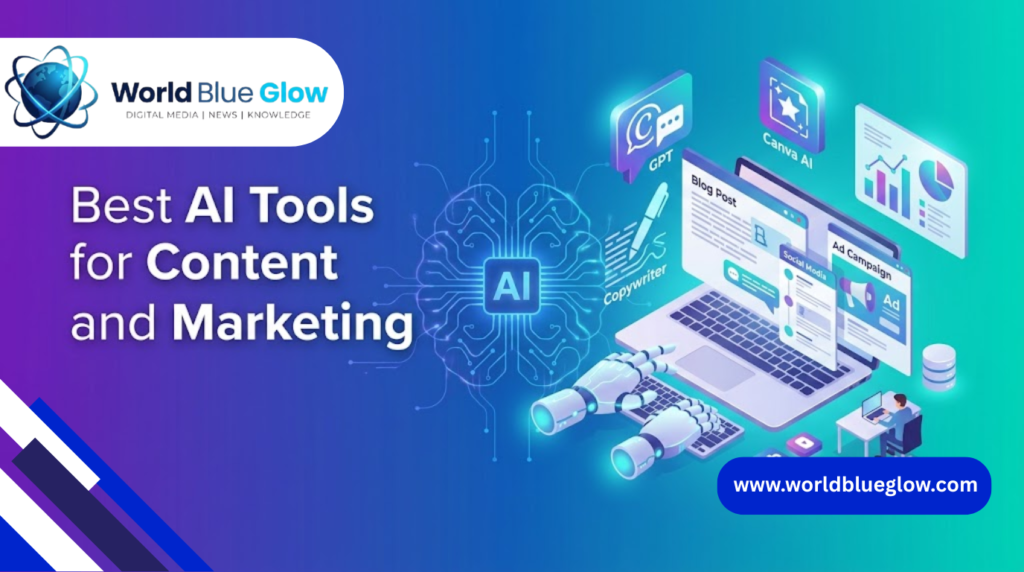
Content creation eats up more time than most small business owners expect. These tools cut that time down significantly.
ChatGPT for Writing and Customer Support
ChatGPT’s free tier handles product descriptions, email replies, and social media captions well. I use it daily to draft first versions of blog posts and customer responses, then edit for tone and accuracy.
The free version has some usage limits during peak hours, but for most small businesses, it covers daily writing needs comfortably.
Canva AI for Quick Design Work
Canva’s free AI features, including background removal and text-to-image generation, work well for social media graphics and simple marketing materials.
I have used it to create Instagram posts and flyer drafts without touching a separate design tool.
Best AI Tools for Workflow Automation
Automation tools save the most time once they are set up correctly. The learning curve is short, and the payoff compounds over weeks.
Zapier for Connecting Your Apps
Zapier’s free plan allows a limited number of automated workflows, called Zaps, between apps like Gmail, Google Sheets, and Slack.
I set up a simple Zap that logs new customer inquiries from a contact form directly into a spreadsheet. It has saved roughly an hour of manual data entry every week.
Notion AI for Organizing Tasks and Notes
Notion’s AI features help summarize meeting notes and generate quick task lists from rough bullet points.
For a small team without a dedicated project manager, this keeps everyone aligned without extra software costs.
Best AI Tools for Customer Service
Customer service tools built with AI can handle repetitive questions, freeing up time for issues that actually need a human touch.
Tidio for Basic Chatbot Support
Tidio’s free plan includes a basic AI chatbot that can answer common questions like store hours or shipping policies automatically.
I tested this on a small e-commerce client’s site, and it reduced repetitive email inquiries noticeably within the first two weeks.
Comparison Table: Free AI Tools at a Glance
| Tool | Best For | Free Plan Limit |
| ChatGPT | Writing and support replies | Usage caps during high demand |
| Canva AI | Design and social graphics | Limited AI credits per month |
| Zapier | App automation | 100 tasks per month |
| Notion AI | Notes and task organization | Limited AI responses per month |
| Tidio | Chatbot customer support | 50 conversations per month |
Pro Tips From Hands-On Testing
A few things I learned that generic tool roundups usually skip.
- Free plans work best when you pick one core task per tool instead of trying to automate everything at once
- Zapier’s free tier runs out fast if you connect more than two or three workflows, so prioritize your highest time drain first
- ChatGPT’s free tier is enough for most solo founders, but teams of three or more will hit limits quickly
How to Choose the Right AI Tool for Your Business
Not every tool fits every business. Match the tool to your actual bottleneck, not the most popular option online.
- If writing takes too long, start with ChatGPT
- If manual data entry is the problem, start with Zapier
- If customer questions repeat constantly, start with a chatbot tool like Tidio
- If your team struggles with disorganized notes, start with Notion AI
Frequently Asked Questions
What are the best free AI tools for small businesses in 2026?
ChatGPT, Canva AI, Zapier, Notion AI, and Tidio are among the strongest free options, each covering a different core business need.
Can free AI tools really replace paid software for a small business?
For basic needs, yes. Most small businesses can run core operations on free tiers until they scale enough to justify paid upgrades.
Which free AI tool is best for automating repetitive tasks?
Zapier is the strongest option for connecting apps and automating repetitive workflows without any coding knowledge.
Is ChatGPT’s free version good enough for business use?
Yes, for most solo founders and small teams, the free version handles everyday writing and support tasks well, though usage limits apply during busy periods.
Do free AI tools have hidden limitations business owners should know about?
Yes, most free plans cap monthly usage, response counts, or automation tasks, which can require an upgrade as your business grows.
What is the easiest AI tool for someone with no technical experience?
Canva AI and ChatGPT are the easiest to start with, since both use simple, conversational interfaces with no setup required.
How much time can AI automation actually save a small business?
Based on real use, simple automations like Zapier workflows have saved several hours per week on manual, repetitive tasks.
Are free AI tools safe and reliable for business use?
Reputable tools like the ones listed here are generally safe, but always review each tool’s data privacy policy before connecting sensitive business information.